
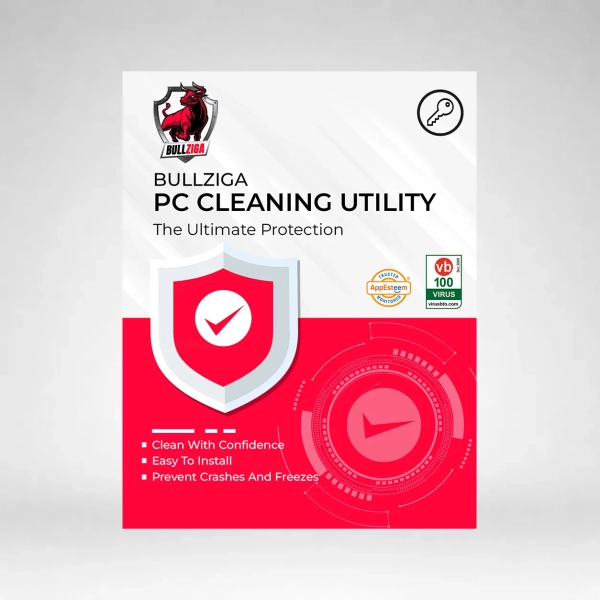
BullZIGA PC Cleaning Utility
BullZIGA PC Cleaning Utility is a system cleanser that makes computer cleaning safe and easy. When data accumulate on a computer, the hard disc becomes clogged. PC Cleaning Utility removes files that may be causing your computer to slow down. PC Cleaning Utility can assist in preventing system crashes and freezes by removing such files.
Here are some key Features of BullZIGA PC Cleaning Utility:
- Clean And Repair PC Registry: The Advanced Registry Detection Technology in PC Cleaning Utility discovers, removes, or repairs registry files, as well as corrects incorrect system setups.
- Prevent Crashes And Freezes: PC Cleaning Utility restores broken registry entries, hidden files in the operating system, corrupt system files, missing DLLs, and other issues so that your computer does not crash or stop at random.
- Defragmenters: After a lengthy period of usage, several downloaded and deleted files cause fragmentation in a computer’s registry. Because of the way a hard drive saves files, repeated file deletion progressively slows down a computer’s performance.
- Start-up Manager: Use the start-up manager in PC Cleaning Utility to choose which files to open when your computer boots up. The start-up manager simplifies this process by allowing you to choose which programs should run when a computer boots up.
- Select Which Areas To Scan: Using this settings option, you may choose which areas of your computer to scan and clean. Choose from virtual devices, libraries, installation strings, trash files, temporary files, system software, history, and other options.
- Easy Install: PC Cleaning Utility is easy to use and just takes a few minutes to install. The settings of PC Cleaning Utility allow for a smooth, trouble-free installation, so there is no lengthy, laborious process.
- Scheduled Automatic Scans: Customers may use the automated scan option to designate which days their system should be scanned and cleaned automatically. Users may schedule a scan to run every day, once a week, or at any time.
System Requirements:
- Operating System: Windows 10 and Windows 11
- Processor: Intel Core 2 Duo or equivalent
- RAM: 2 GB or more
- Storage: At least 100 MB of free disk space


There are no reviews yet. Be the first to share your experience.